Resource Name Conflicts
When Vectorworks detects a Resource with an identical name, but with different content, the Resource Name Conflict dialog will open.
3D Dragger
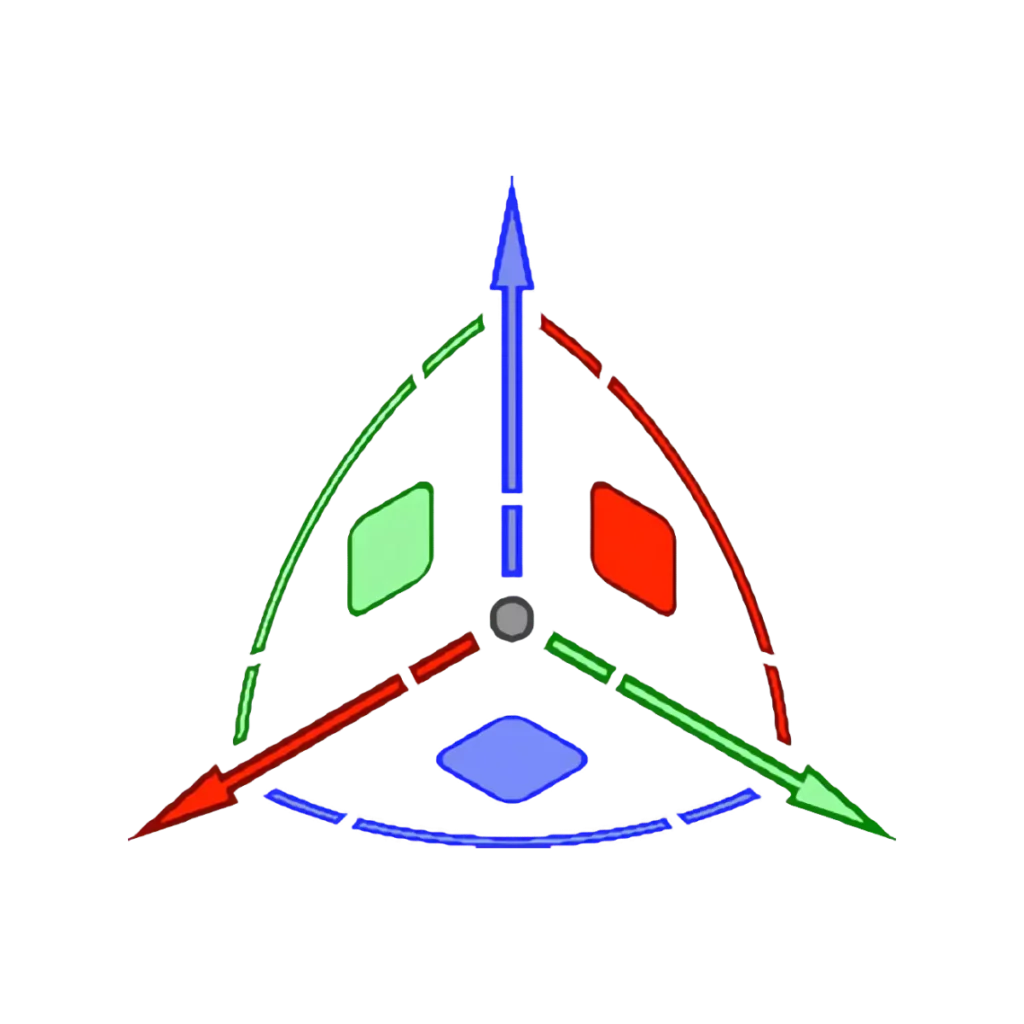
Most CAD programs have some sort of device to help the user move and reshape geometry in 2D and 3D contexts.
Classes – Using Classes

You are not authorized to view this content. Please go to the Membership page to sign up for a subscription. Username Password Remember Me Forgot Password
Classes – Creating and Editing
You are not authorized to view this content. Please go to the Membership page to sign up for a subscription. Username Password Remember Me Forgot Password
Design Layers – Using Design Layers

You are not authorized to view this content. Please go to the Membership page to sign up for a subscription. Username Password Remember Me Forgot Password
Design Layers – Creating and Editing
You are not authorized to view this content. Please go to the Membership page to sign up for a subscription. Username Password Remember Me Forgot Password
Tool Mode Bar
Directly underneath the View Bar and always visible, is the Tool Mode Bar. This is where the controls for each Tool are located.
User Interface – 2024
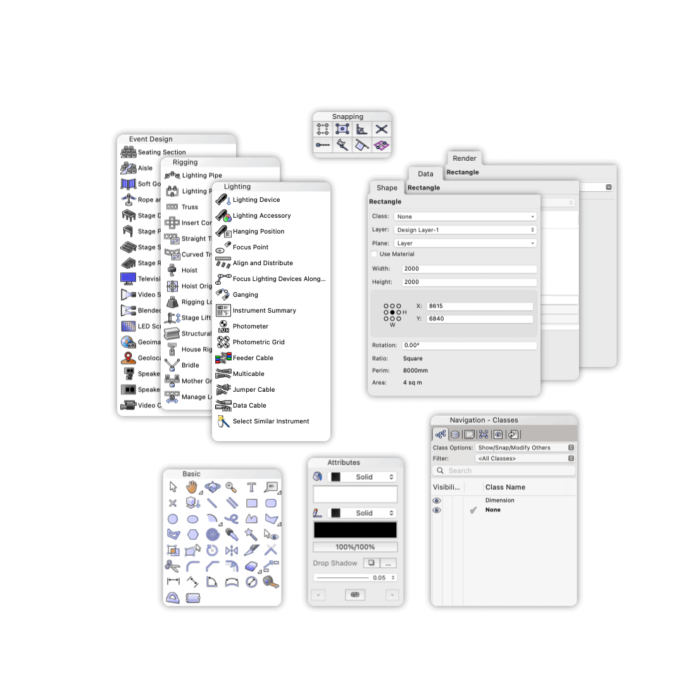
All CAD programs have a User Interface that is designed to give you the easiest possible access to the hundreds of tools and commands that are available.
Using Dynamic Text
Dynamic Text, like AutoCAD’s Text Attribute functionality, is available in most CAD programs.
Graphic Legends – Cell Visibility & Sorting
You are not authorized to view this content. Please go to the Membership page to sign up for a subscription. Username Password Remember Me Forgot Password