Data Tag tool

Every object you create, from the smallest locus point to the most complex of 3D forms in Vectorworks is capable of carrying data and reporting it back to you
Text

The Text annotation conventions for geometry in Vectorworks differ from those used in other CAD programs that some users may be accustomed to.
General Notes Tool

The purpose of the General Notes tool is to place and format a series of itemised text blocks anywhere in the drawing.
Scale Bar Tool
This Tool will place an adaptable Scale Bar Object into the drawing area
Convert Object to Dimension Command

This is a very simple but useful command that will convert any Line, Arc or Circle to a Dimension
Title Blocks and Borders
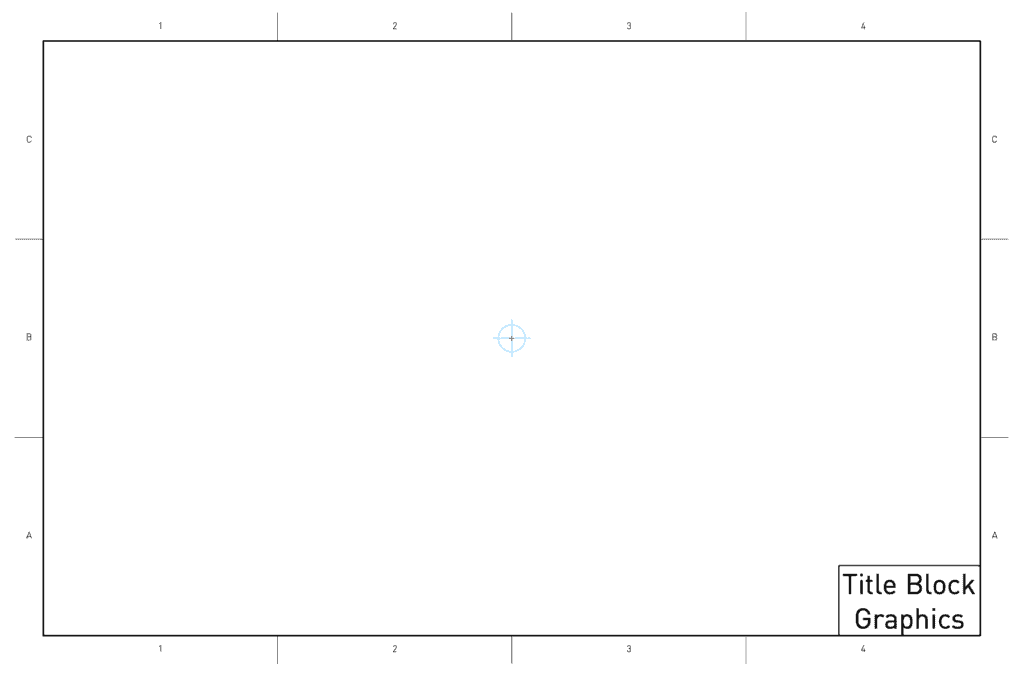
Every drawing that leaves your computer should have an indication of what it is. Title Blocks are the way to achieve this.
Instrument Summaries
You are not authorized to view this content. Please go to the Membership page to sign up for a subscription. Username Password Remember Me Forgot Password
Edit Constraints Command
The Edit Constraints Command will allow you to evaluate and edit any Parametric Constraints that have been added to a selection of objects.
Associating Dimensions
You are not authorized to view this content. Please go to the Membership page to sign up for a subscription. Username Password Remember Me Forgot Password
Edit 2D Component Command
This command will enable you to access and edit the 2D geometry that is already being used by a Plug-in object.