Onscreen View Control
You are not authorized to view this content. Please go to the Membership page to sign up for a subscription. Username Password Remember Me Forgot Password
3D Dragger
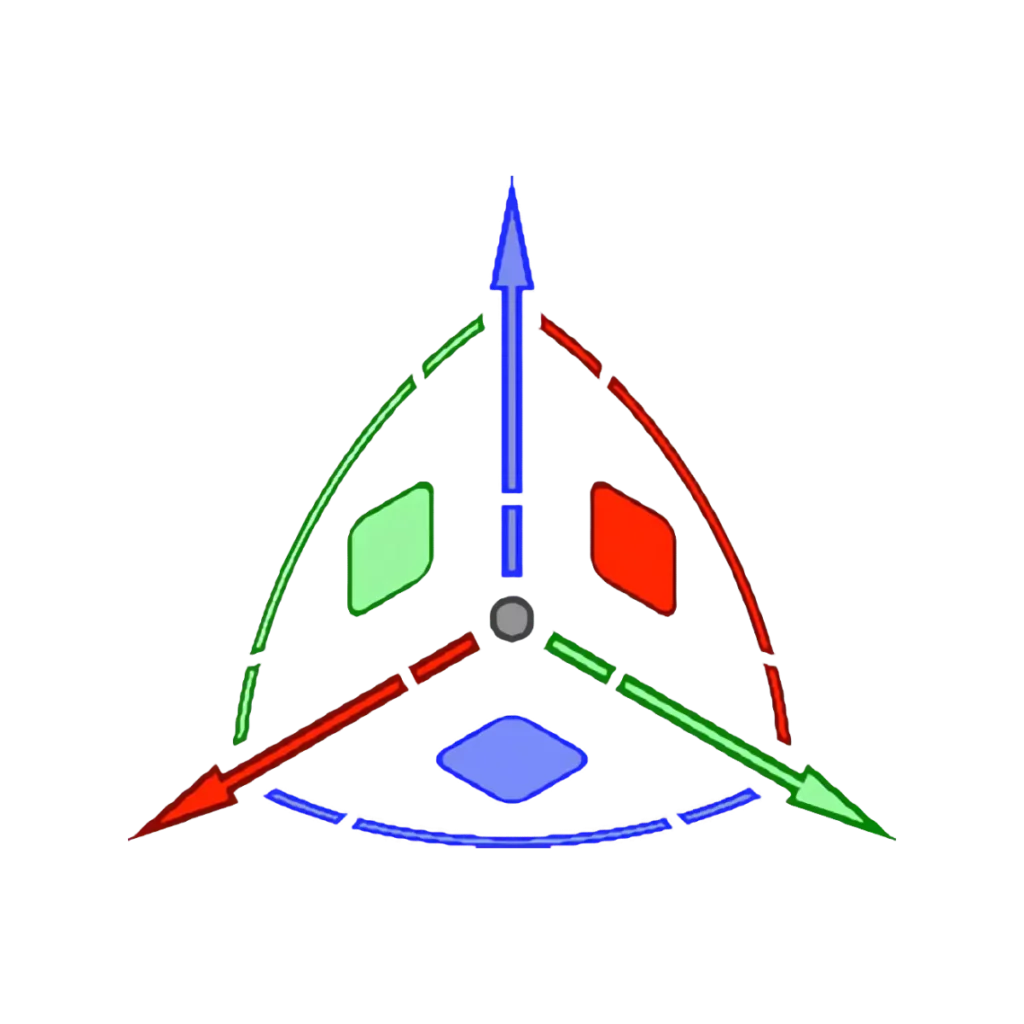
Most CAD programs have some sort of device to help the user move and reshape geometry in 2D and 3D contexts.
Tool Mode Bar
Directly underneath the View Bar and always visible, is the Tool Mode Bar. This is where the controls for each Tool are located.
User Interface – 2024
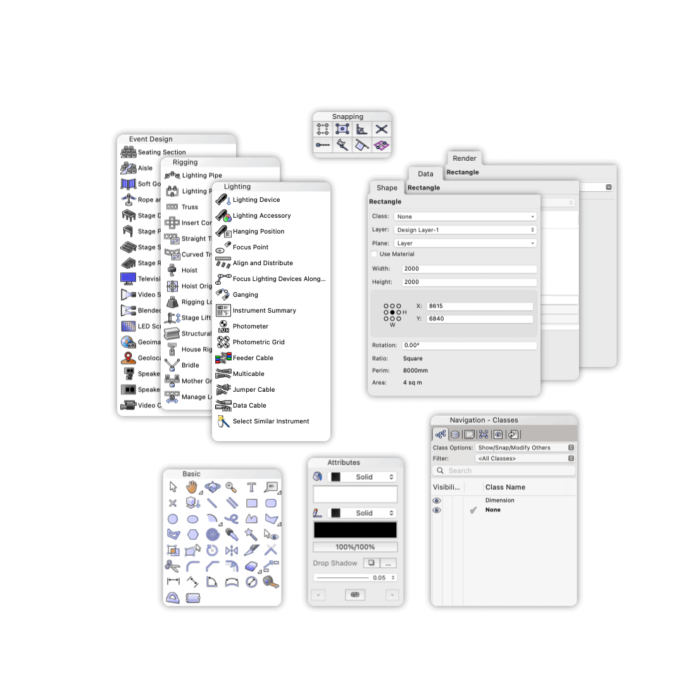
All CAD programs have a User Interface that is designed to give you the easiest possible access to the hundreds of tools and commands that are available.
Quick Preferences Bar – 2024
You are not authorized to view this content. Please go to the Membership page to sign up for a subscription. Username Password Remember Me Forgot Password
Multiple View Panes
The Drawing Area can be divided up into individual drawing panes, each one can contain a different view of either the current Layer or a completely separate part of the drawing altogether.
Workspace Editor
You are not authorized to view this content. Please go to the Membership page to sign up for a subscription. Username Password Remember Me Forgot Password
Working Planes Palette

The Working Planes palette is a repository of some of the functionality regarding Working Planes that is found in various areas of the application.
Quick Search
Vectorworks contains thousands of Tools and Menu commands. Often you know a command is available, but you can’t remember where it is.
User Interface – 2023 and earlier
All CAD programs have a User Interface that is designed to give you the easiest possible access to the hundreds of tools and commands that are available.