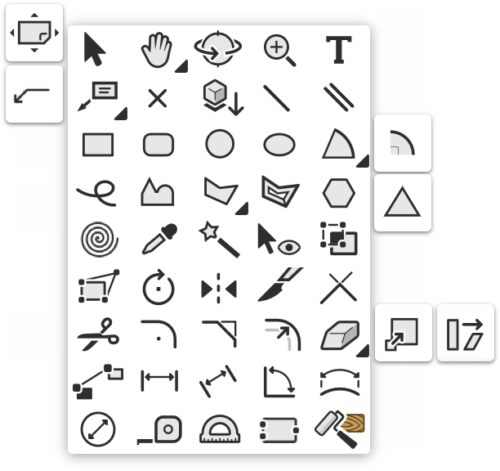

There are some common factors that apply to most of the Tools in any of the Tool Palettes.
Single Click
A single Click on the Tool Button will activate the Tool
Double Click
For many of the Tools, a double click on the Tool button will open a dialog box. This can be one of two things.
- For some of the Basic Shape Tools, it will open the Create Object Dialog which will allow you to predetermine the size, shape, and placement of the object you are about to create without using the Cursor.
- For Tools that have a Tool options
 button in the mode bar, then the Tool Options dialog will be opened instead. This gives you the option to define the ongoing default behavior for the Tool. This means that the settings you specify here will be held until you change them by double-clicking the Tool button again or by revisiting the Tool Options button in the Mode bar.
Tool Mode Bar
Most Tools have more than one Mode. These Modes are available from the Mode Bar. This is a strip of buttons in the Top Left corner of the Drawing Window that lets you change how a Tool behaves.

Looking at this mode bar will become second nature once a Tool is activated.